English
 عربى
عربى
 Español
News

Content
Rest a forearm on an armrest that sits two inches too high, and a shoulder will be aching before lunch. That single mismatch between arm height and armrest height is the reason adjustable chair arms exist in the first place. A fixed armrest is built to one dimension and one dimension only, which means it fits whichever body happens to match that measurement and works against everyone else.
An adjustable armrest solves this by letting the pad move to meet the body instead of asking the body to compromise. In practice, that adjustment can happen along several axes — not just up and down — and the number of axes a chair offers is what separates a basic armrest from a genuinely ergonomic one.
Most adjustable armrests fall into four categories, and a chair rarely offers all four unless it's built specifically for long hours of use.
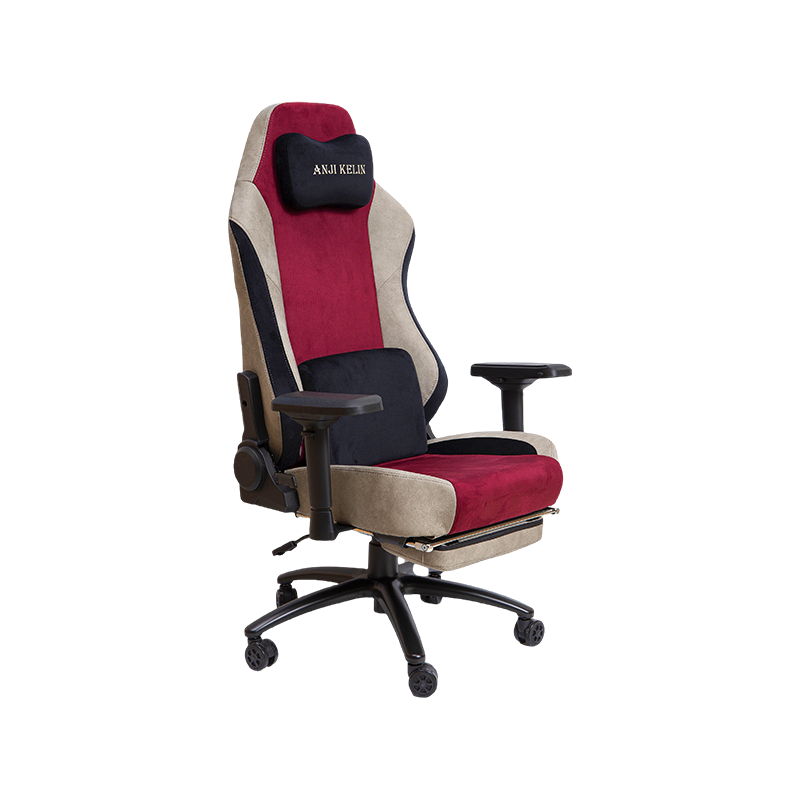
Some chairs combine several of these into a single mechanism. A gaming chair with 4D adjustable armrests that move in height, angle, depth, and lateral rotation is one example of stacking all four types into one arm assembly. On the simpler end, a mesh office chair with a smooth gas-lift height adjustment covers the single adjustment most people actually use day to day.

Height is the adjustment that matters most, and both OSHA and the Canadian Centre for Occupational Health and Safety describe the same basic test for getting it right. Sit upright, let the arms hang loosely at the sides, then bend the elbows to roughly a right angle. The armrest should just barely touch the underside of the elbow at that point — not push the arm upward, and not leave a gap underneath it.
OSHA's guidance on computer workstation chairs adds a useful diagnostic for spotting a bad fit: armrests set too low cause the user to lean sideways to reach them, which fatigues the neck and back on one side, while armrests set too high force the shoulders into a raised, tense position. Both extremes cancel out the point of having an armrest at all.
CCOHS goes a step further and recommends removing the armrests entirely if the lowest available setting still lifts the elbows even slightly — a chair with non-adjustable arms that don't fit is worse than no armrests at all, since it locks the shoulders into a raised position for the entire day. For a full walkthrough of the adjustment sequence, the OSHA computer workstation chair guidelines and the CCOHS chair-adjusting instructions both lay out the same body-landmark method in more detail.
Not every task calls for the same level of armrest adjustability, and buying more range than a routine actually needs just adds cost without adding comfort.
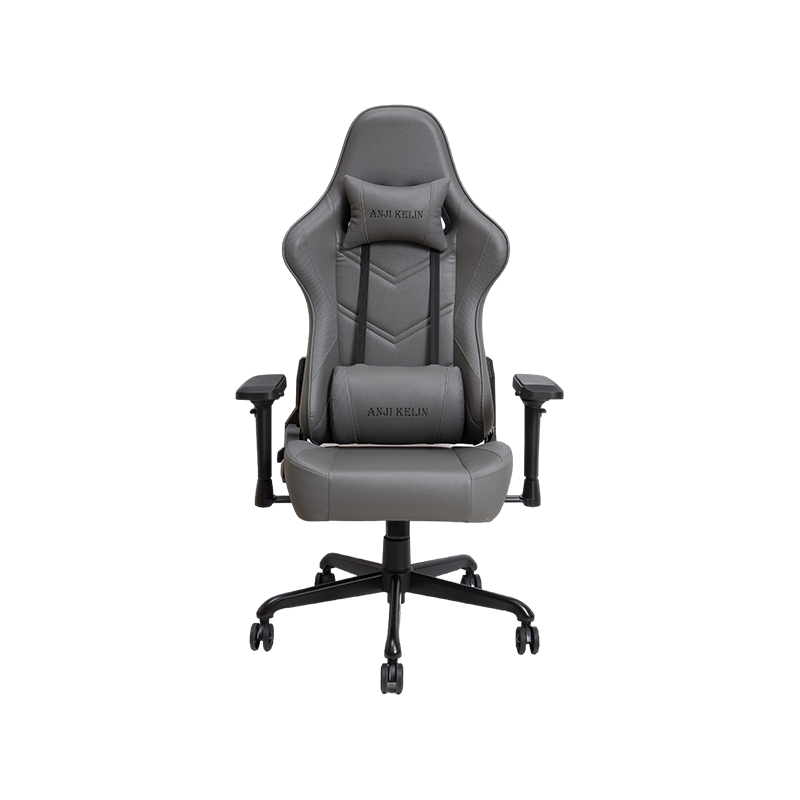
Desk work built around long, mostly static sitting benefits most from height and pivot adjustment — the arm rarely moves far from the keyboard, so fine-tuning elbow angle matters more than sliding width. Reclining periodically through the day changes that calculation, since depth adjustment keeps the pad under the forearm as the backrest angle shifts; a multi-angle adjustable PU leather chair built for long desk sessions is designed around exactly that pattern.
Shared workstations — a hot-desk setup, a household office used by more than one person — need the widest adjustment range across all four types, since each user starts from a different baseline. In that situation it's worth browsing the full range of office chair options rather than settling on the first chair that fits one person well.
A few errors show up repeatedly, even on chairs with good adjustment range built in.
| Core armrest features to check before buying, ranked by how often they get used. | |
| Feature | Why it matters |
| Height range | Should adjust low enough to sit below thigh height and high enough to meet a raised desk |
| Locking mechanism | A pad that slips under light pressure defeats the point of adjusting it in the first place |
| Pad material | Soft, rounded edges reduce pressure on the nerves and blood vessels in the forearm |
| Width or pivot range | Matters more for shared chairs or users who alternate between typing and other desk tasks |
Beyond the armrests themselves, the rest of the chair needs to support the same neutral posture the arms are aiming for — lumbar support, seat depth, and recline all work together with armrest height rather than independently of it. For a broader look at how these features combine into a genuinely supportive seat, see this deeper breakdown of what makes a seat genuinely ergonomic.
Chairs
Gaming Chair Office Chair High-end Luxury Gaming Chair Regular Gaming Chair Mesh Office Chair PU Leather Office Chair Fabric Office ChairContact Us