English
 عربى
عربى
 Español
News

Content
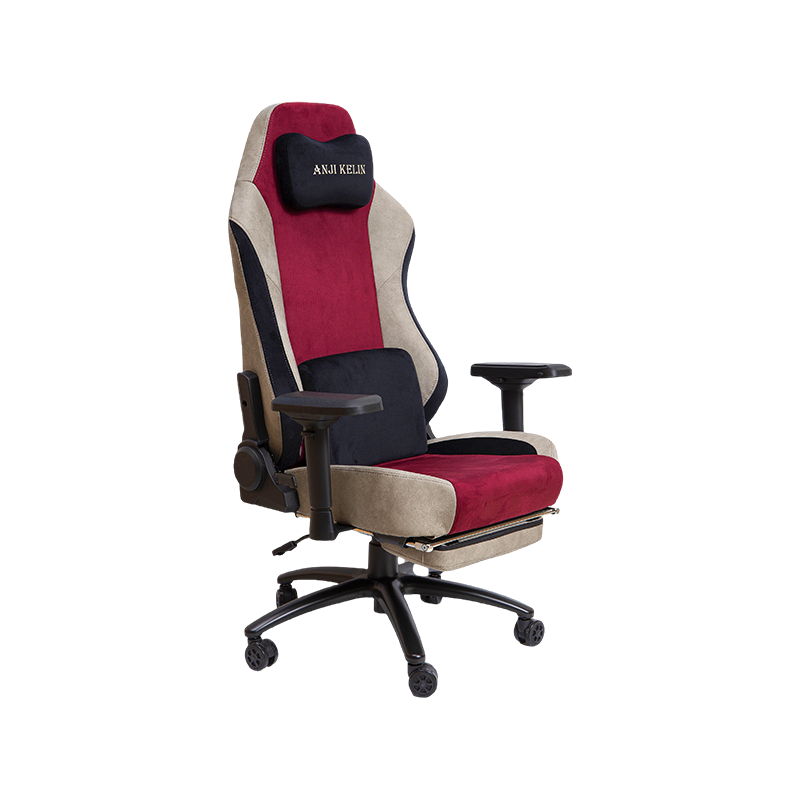
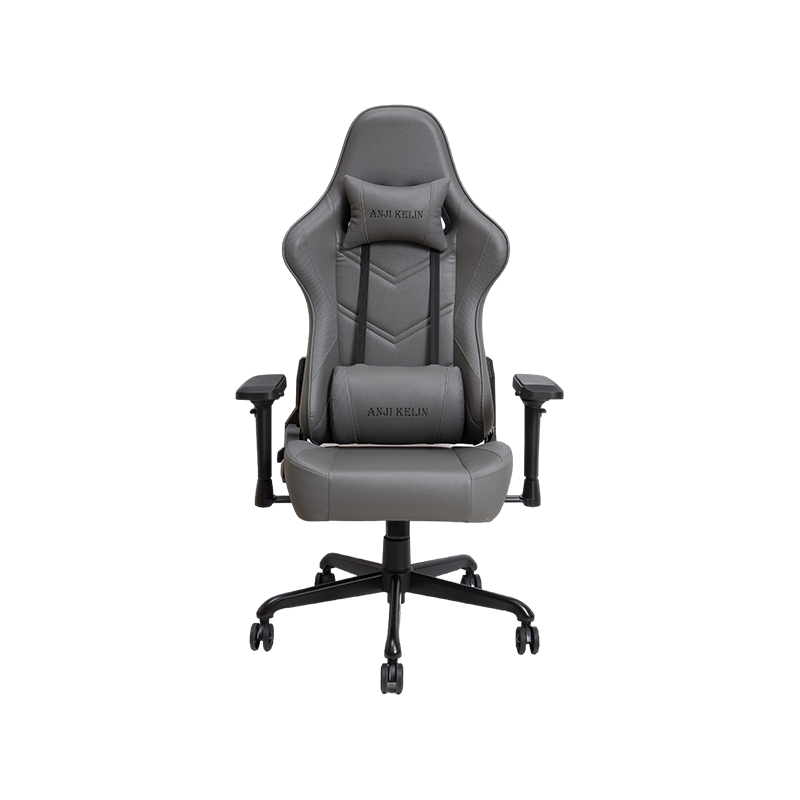
A regular gaming chair is designed to provide ergonomic support during extended periods of sitting, combining the aesthetics of racing seats with functional adjustability. Unlike standard office chairs, these models typically feature high backrests, bucket-seat designs, and specialized lumbar support to maintain proper spinal alignment during intense gaming sessions or long work hours.
The primary value proposition of a regular gaming chair lies in its ability to reduce physical strain. Studies suggest that proper ergonomic seating can reduce lower back pain by up to 50% among users who sit for more than six hours daily. By prioritizing posture and comfort, these chairs serve as essential tools for both competitive gamers and remote workers.
Proper ergonomics in a regular gaming chair directly impacts long-term health by mitigating the risks associated with sedentary behavior. Key areas of focus include lumbar support, neck alignment, and pressure distribution. Without adequate support, the natural curve of the spine can flatten, leading to chronic discomfort and potential musculoskeletal issues.
Most regular gaming chairs come with detachable or built-in lumbar pillows. These cushions fill the gap between the lower back and the chair, maintaining the spine's natural S-curve. Users report a 30% reduction in lower back stiffness when using chairs with adjustable lumbar support compared to those with flat backrests. Similarly, headrests prevent "tech neck," a condition caused by forward head posture during screen use.
The seat pan should be deep enough to support the thighs but not so deep that it presses against the back of the knees. Proper depth ensures healthy blood circulation. High-density foam padding is crucial here; it retains its shape over time, preventing the "bottoming out" effect that leads to tailbone pain. Ideal seat depth allows for a two-finger gap between the edge of the seat and the back of the knee.
| Ergonomic features and their specific health benefits in gaming chairs | ||
| Feature | Health Benefit | Recommended Adjustment |
| Lumbar Support | Reduces lower back strain | Align with belt line |
| Armrest Height | Prevents shoulder tension | Elbows at 90 degrees |
| Seat Height | Improves leg circulation | Feet flat on floor |
| Recline Angle | Relieves spinal disc pressure | 100-110 degrees for work |
The longevity and comfort of a regular gaming chair are heavily influenced by its upholstery material. PVC leather (PU leather) is the most common choice due to its affordability and sleek appearance, but it lacks breathability. In contrast, fabric meshes offer superior airflow but may require more frequent cleaning. Understanding these trade-offs helps users select a chair that fits their climate and maintenance preferences.
PU leather provides a smooth, easy-to-wipe surface that resists spills, making it ideal for gamers who eat or drink at their desks. However, it can trap heat, leading to discomfort during long sessions in warm environments. Fabric mesh chairs can reduce surface temperature by up to 5°F compared to leather equivalents, significantly enhancing comfort in non-air-conditioned rooms.
Durability extends beyond the upholstery. The internal frame should be made of steel rather than wood or plastic to withstand dynamic movements. The base, typically nylon or aluminum, must support the user's weight plus the force of reclining. Aluminum bases are 20-30% stronger than nylon and resist cracking under heavy loads, making them a better investment for heavier users or those who lean back frequently.
A one-size-fits-all approach does not work for ergonomic seating. The best regular gaming chairs offer multiple points of adjustment to accommodate different body types and desk setups. Look for chairs that allow precise tuning of height, depth, and angle to ensure a personalized fit.
Always check the manufacturer's weight capacity rating. Standard chairs typically support up to 250 lbs, while heavy-duty models can handle 300-400 lbs. Choosing a chair with a capacity slightly above your actual weight ensures the gas lift and mechanisms last longer. Exceeding the weight limit can void warranties and lead to premature mechanical failure.
To maximize the lifespan of a regular gaming chair, regular maintenance is required. Simple care routines can extend the life of the upholstery and mechanics by 2-3 years. Neglecting basic upkeep can lead to peeling leather, squeaky joints, and unstable bases.
Periodically tighten any loose screws, especially in the armrests and base connections. Lubricate the tilt mechanism and wheel axles with silicone spray if squeaking occurs. Inspect the gas lift cylinder for signs of leaking or sinking; if the chair slowly lowers itself during use, the cylinder needs replacement. Most manufacturers sell replacement parts, allowing you to repair rather than replace the entire unit.
Chairs
Gaming Chair Office Chair High-end Luxury Gaming Chair Regular Gaming Chair Mesh Office Chair PU Leather Office Chair Fabric Office ChairContact Us