English
 عربى
عربى
 Español
News

Content
The lower back — the lumbar region — spans five vertebrae labeled L1 through L5, sitting between the thoracic spine above and the sacrum below. These five vertebrae carry the full weight of the upper body and absorb the compressive forces generated by every movement, from standing and walking to sitting and bending. In a healthy standing posture, this section of the spine curves gently inward, forming the lower arc of the spine's natural S-shape. That inward curve is the lumbar lordosis, and maintaining it is the entire point of lumbar support.
The problem begins the moment most people sit down without support. The pelvis tends to tilt backward, flattening or even reversing the lumbar curve and shifting load onto the posterior edges of the intervertebral discs. Held in this position for hours — as desk workers, remote employees, and gamers routinely are — the muscles supporting the lumbar spine fatigue, disc pressure rises unevenly, and soft tissue begins to strain. Lumbar support means providing a physical structure at the lower back that prevents this collapse, maintaining the natural inward curve so the spine stays in a mechanically efficient position regardless of how long the person sits.
The scale of the problem this addresses is significant. Data from the CDC's National Institute for Occupational Safety and Health shows that more than one in four working adults in the United States experiences frequent low back pain, with sedentary desk-based roles consistently appearing among the highest-risk occupational categories. Lumbar support in seating is one of the most direct ergonomic interventions available to reduce that risk.
A chair backrest without lumbar support is essentially a flat or gently curved surface that contacts the mid and upper back while leaving a gap at the lower back. In this gap, the lumbar spine has no external support — it must be held by muscular effort alone, or it collapses into flexion as muscles fatigue. Lumbar support fills that gap with a contoured protrusion positioned at the L2–L4 vertebral level, roughly corresponding to the belt line or slightly above it.
The mechanical effect works in two ways simultaneously. First, the support pad pushes gently forward into the lumbar curve, preventing the spine from flattening. Second — and this is the less obvious but equally important mechanism — it stabilizes the pelvis. When the lower back is supported, the pelvis remains in a neutral tilt rather than rotating backward. A neutrally tilted pelvis is the foundation of correct seated posture; once the pelvis tips, every structure above it compensates, leading to rounded shoulders, forward head position, and compressive loading throughout the cervical spine.
The depth and firmness of the support matters as much as its position. Too little forward protrusion provides no meaningful fill; too much forces the spine into excessive lordosis, which is itself a source of discomfort and loading on the posterior joints. Effective lumbar support creates a sensation of gentle, even contact across the lower back — not pressure pushing the sitter forward, but contact that simply prevents the back from losing its shape.
Not all lumbar support systems are built the same, and the differences between them have real consequences for how well any given person is supported. Three distinct categories cover the range of what the chair market offers.
Fixed lumbar support is built into the backrest at a set height and depth during manufacturing. It is the most common approach in entry-level and mid-range chairs, where cost constraints limit adjustability. The advantage is simplicity — no user adjustment is required or possible. The disadvantage is that the lumbar curve sits at a different height in every person; a support designed for an average-height user may land at the wrong vertebral level for someone shorter or taller, delivering pressure to the mid-back rather than the lumbar region. Fixed support is meaningfully better than no support, but it is a compromise by design.
Adjustable lumbar support allows the user to change either the height of the support pad along the backrest, the depth of its forward protrusion, or both. Height adjustment is the more important variable for most users, as it determines whether the support contacts the correct spinal level. Depth adjustment allows the support intensity to be dialed to personal preference and body shape. Ergonomic mesh office chairs with built-in lumbar support frequently incorporate adjustable systems that allow height repositioning, making them significantly more versatile across a range of user body types.
Dynamic lumbar support goes a step further: rather than remaining static, it responds to the user's movements. As the sitter shifts position, reclines, or leans to one side, a dynamic system adjusts in real time to maintain contact with the lumbar region. This is particularly valuable for users who move frequently while seated — a fixed or even adjustable support can lose contact with the back when the user shifts, while a dynamic system tracks the movement and maintains support throughout.
| Lumbar support types compared: features, fit, and typical application | |||
| Type | Adjustability | Best For | Limitation |
| Fixed | None | Budget chairs, single user | May not fit all body heights |
| Height-adjustable | Vertical position | Shared workstations, varied users | Depth still fixed |
| Height + depth adjustable | Position and intensity | Extended daily use, personal desks | Requires user setup time |
| Dynamic / auto-adaptive | Continuous, real-time | Active sitters, premium ergonomic chairs | Higher cost |
Back pain reduction is the most cited benefit of lumbar support, and it is well earned — but framing lumbar support purely as a pain management tool understates what it actually delivers when properly implemented.
Posture correction at the source. Because lumbar support stabilizes the pelvis and maintains the lumbar curve, it creates a cascade of postural improvements up the entire spine. Shoulders naturally settle back, the head aligns over the body rather than jutting forward, and the chest opens. These downstream effects reduce strain in the cervical and thoracic spine, addressing neck tension and upper back fatigue that office workers often attribute to monitor height or keyboard position when the actual cause is further down the kinetic chain.
Reduced muscular fatigue over long sessions. Without lumbar support, the paraspinal muscles — the muscles running along either side of the spine — must continuously contract to prevent the lumbar spine from collapsing into flexion. This low-level but sustained effort depletes these muscles over a workday, producing the stiffness and soreness that many desk workers experience by mid-afternoon. Lumbar support offloads this muscular work onto the chair structure, allowing the back muscles to relax and reducing cumulative fatigue across long sessions.
Improved focus and productivity. Discomfort is a consistent distraction. Research into sedentary workplace environments consistently finds that physical discomfort interrupts cognitive tasks, forces position changes, and contributes to early fatigue. A seated worker whose back is properly supported spends less attention managing discomfort and more on the work in front of them. For gamers, the same principle applies: reaction time and decision quality both degrade as physical discomfort accumulates over a multi-hour session.
Better circulation. Slouching compresses the abdomen and restricts diaphragm movement, which reduces breathing depth and slows circulation to the lower extremities. Maintaining an upright, supported seated posture keeps the abdominal cavity open and supports normal circulatory function — reducing the leg fatigue and restlessness that unergonomic seating often produces.
Not every chair marketed as "ergonomic" delivers genuine lumbar support. A few straightforward checks distinguish effective support from decorative contouring.
Position test. Sit fully back in the chair with your feet flat on the floor. The lumbar support should make firm but comfortable contact with your lower back — at the point where your back begins to curve inward, typically just above the belt line. If you feel pressure in the mid-back or upper back instead, the support is positioned too high. If there is no contact at all in the lower back area, the support is either too low or too shallow to reach your spine.
Pelvis check. With effective lumbar support, your pelvis should remain in a neutral or slight forward tilt. Sit back fully and notice whether you feel your lower back being gently held in its natural curve. If you instinctively slouch the moment you stop consciously correcting your posture, the lumbar support is not doing its job.
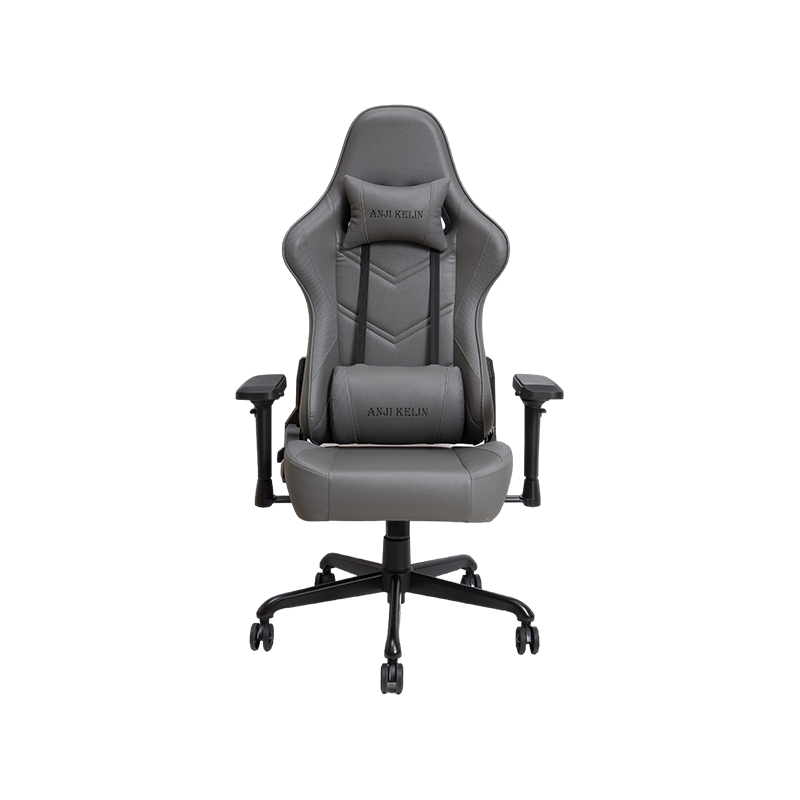
The common cushion misconception. Many people attempt to compensate for inadequate chair lumbar support by placing a rolled towel or separate cushion at their lower back. While better than nothing, these solutions are almost always incorrectly positioned (too high), lack the depth calibration that a properly designed system provides, and move out of place during normal sitting activity. They are a workaround, not a solution. PU leather office chairs with adjustable lumbar and recline features integrate support into the structure of the backrest itself — delivering consistent positioning that a portable cushion cannot replicate. Similarly, fabric office chairs designed for all-day seated comfort use breathable materials that maintain contact quality across long sessions without the heat buildup that cushion additions often create.
The best lumbar support for any individual depends on three variables: how long they sit each day, the nature of their seated activity, and their body dimensions. These factors point toward different chair categories and feature priorities.
Office chairs vs. gaming chairs. Office chairs and gaming chairs approach lumbar support differently. Most ergonomic office chairs integrate lumbar support into the backrest structure — either as a fixed contour or an adjustable mechanism within the back panel. This approach keeps the backrest profile clean and the support firmly anchored. Gaming chairs more commonly use removable lumbar cushions that strap or clip onto the backrest, offering flexibility in positioning but less structural integration. For pure ergonomic effectiveness over an eight-hour workday, integrated support systems have the engineering advantage. For gaming sessions that alternate between upright play and reclined relaxation, detachable cushion systems offer position versatility that integrated support cannot match.
Sitting duration. For sessions under three hours, almost any chair with basic lumbar contact will be adequate. For sessions of five or more hours daily — the reality for most office workers and serious gamers — adjustable lumbar height and depth become worth prioritizing. The longer the session, the more variation in sitting position the user will naturally seek, and the more important it becomes to have support that either adjusts or adapts to those position changes.
Body dimensions. Taller users typically need lumbar support positioned higher on the backrest; shorter users need it lower. Users with pronounced natural lumbar curves benefit from firmer, deeper support; users with flatter lumbar profiles need subtler, shallower contact. If you cannot test a chair before purchasing, prioritize height adjustability above all other lumbar features — it is the most universally useful specification for accommodating physical variation.
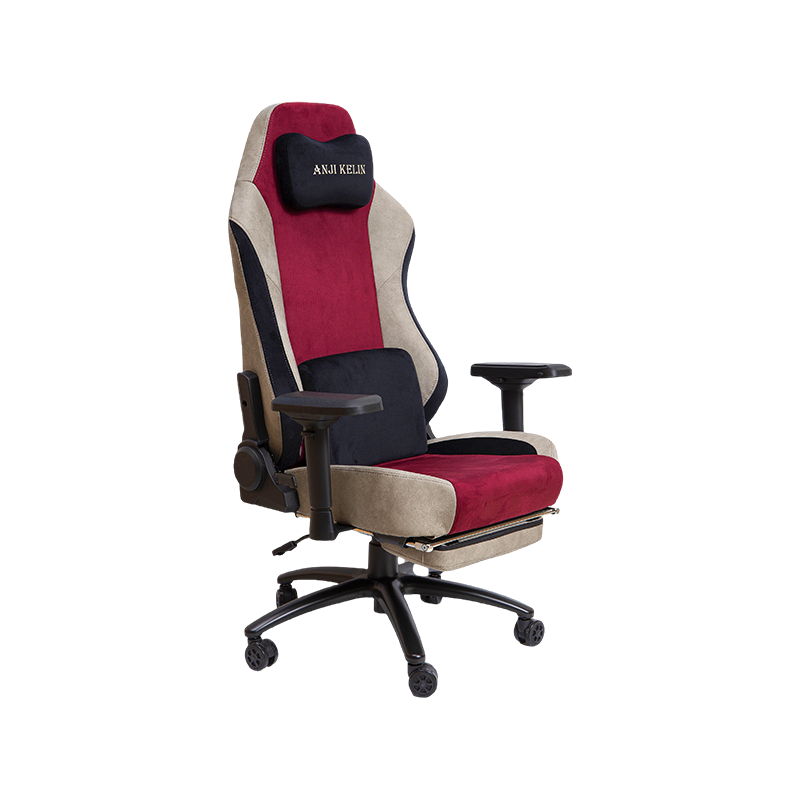
For those seeking the most complete lumbar support experience, high-end luxury gaming chairs with contoured lumbar support combine structural back contouring with premium cushioning that conforms to the lumbar region during extended use. For everyday performance at accessible price points, regular gaming chairs with ergonomic back support deliver the core lumbar benefit without the premium tier cost — a practical choice for users building their first ergonomic setup.
| Lumbar support selection guide by use case and user profile | |||
| Use Case | Daily Sitting Duration | Recommended Support Type | Chair Category |
| Casual home use | 1–3 hrs | Fixed lumbar | Fabric or entry office chair |
| Full-time remote work | 6–9 hrs | Height + depth adjustable | Mesh or PU leather office chair |
| Casual gaming | 2–4 hrs | Fixed or cushion-based | Regular gaming chair |
| Competitive / long-session gaming | 5–10 hrs | Contoured + cushion system | High-end luxury gaming chair |
| Shared office workstation | Variable | Height-adjustable essential | Adjustable mesh office chair |
Chairs
Gaming Chair Office Chair High-end Luxury Gaming Chair Regular Gaming Chair Mesh Office Chair PU Leather Office Chair Fabric Office ChairContact Us