English
 عربى
عربى
 Español
News

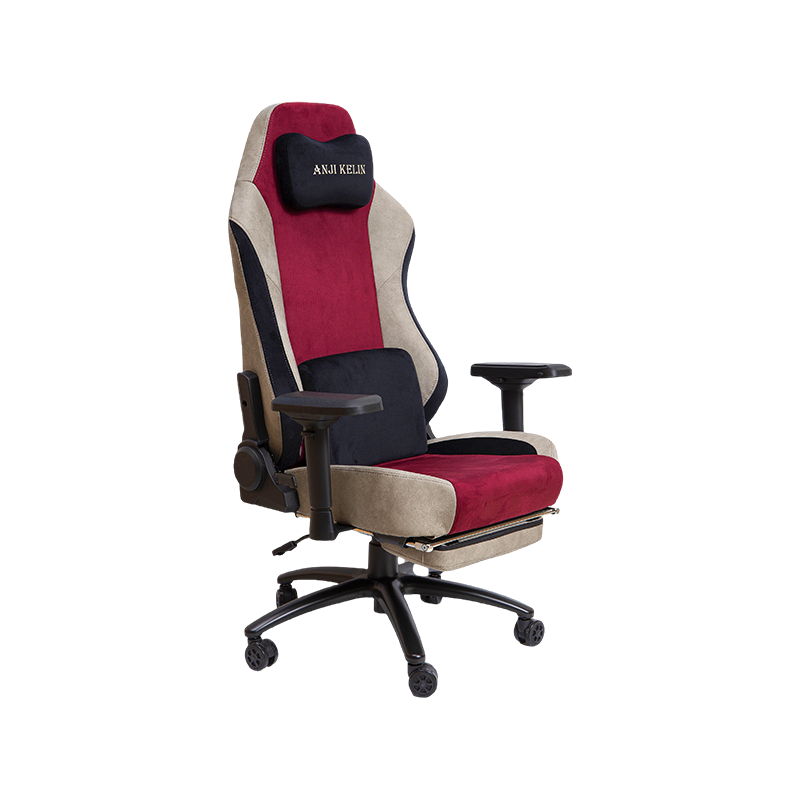
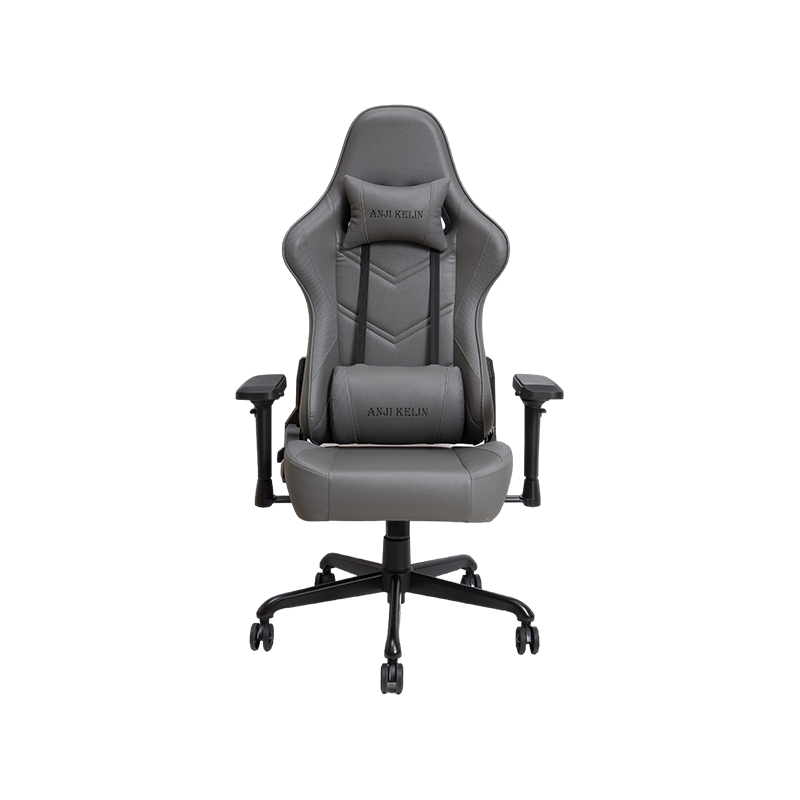
When it comes to PC gaming, comfort and support are just as important as powerful hardware or a fast internet connection. A good gaming chair can improve your posture, keep you comfortable during long gaming sessions, and even enhance your performance by keeping you focused. But with so many models on the market, how do you choose the right one?
1. Ergonomics and Comfort
The most important quality of a gaming chair is ergonomic design. This means the chair supports the natural curve of your spine, keeps your neck in a healthy position, and reduces strain on your back and shoulders. Look for chairs with:
Adjustable lumbar support – either built-in or as a detachable cushion.
Neck and headrest pillows to prevent stiffness.
High-density foam padding that won’t flatten after a few months.
Adjustable seat height and tilt so you can match your desk and monitor level.
Ergonomics isn’t just about comfort—it can prevent long-term back pain and fatigue, which is especially important for dedicated gamers who might spend several hours in one sitting.
2. Build Quality and Materials
A good PC gaming chair should last for years, so pay attention to the materials and frame construction.
Frame: Steel frames are the most durable, offering stability and strength.
Upholstery: PU leather is popular for its sleek look and easy cleaning, while fabric chairs offer more breathability.
Padding: Memory foam or cold-cured foam retains shape better over time.
Also, check the weight capacity to ensure the chair can support your body comfortably.
3. Adjustability for a Perfect Fit
Gamers come in all shapes and sizes, so adjustability is a must. The more adjustments, the better you can customize the chair to your body.
Key adjustable features to look for:
Armrests: 2D, 3D, or 4D armrests allow you to adjust height, width, depth, and rotation.
Reclining backrest: Many gaming chairs recline between 90° and 170°, which is great for relaxing between matches.
Seat height: A wide range of height adjustment helps you maintain an ergonomic position with your feet flat on the ground.
4. Style and Aesthetic
While comfort and durability are top priorities, style also matters for many gamers. Gaming chairs come in a variety of colors and patterns—some even feature RGB lighting for extra flair. If you stream or record videos, a visually appealing chair can also enhance your personal brand.
5. Popular Gaming Chair Recommendations
Here are a few well-regarded gaming chairs that balance comfort, durability, and price:
Secretlab TITAN Evo Series
Known for exceptional ergonomics and build quality.
Offers adjustable lumbar support built into the backrest.
High-quality cold-cure foam and multiple upholstery options (PU leather, SoftWeave fabric, NAPA leather).
Suitable for both gaming and professional work.
Razer Iskur
Focuses heavily on posture support with an adjustable lumbar curve.
Premium PVC leather or fabric.
4D armrests and high-density foam.
Sleek design that fits modern gaming setups.
DXRacer Formula Series
One of the original gaming chair brands.
Slimmer fit, ideal for smaller body frames.
Breathable material and reliable build quality.
Good for mid-budget buyers.
AndaSeat Kaiser 3
Large and sturdy for bigger gamers.
Memory foam pillows and 4D armrests.
Wide reclining range and magnetic head pillow.
Durable steel frame and premium upholstery.
Herman Miller x Logitech G Embody
High-end option with unmatched ergonomic design.
Developed in collaboration with Logitech for gaming.
Breathable, flexible backrest for natural movement.
Extremely durable but at a premium price.
6. Budget Considerations
Gaming chairs vary widely in price—from under \$150 to over \$1,500. Here’s what you can expect:
Budget (\$100–\$200): Basic comfort, fewer adjustments, decent materials. Good for casual gamers.
Mid-range (\$250–\$500): Better ergonomics, higher build quality, more customization.
Premium (\$500+): Professional-grade ergonomics, top-tier materials, long warranties.
If you can invest more upfront, a premium chair often lasts longer and maintains comfort for years, making it more cost-effective in the long run.
7. Additional Features to Consider
Some gaming chairs come with extra features that may enhance your experience:
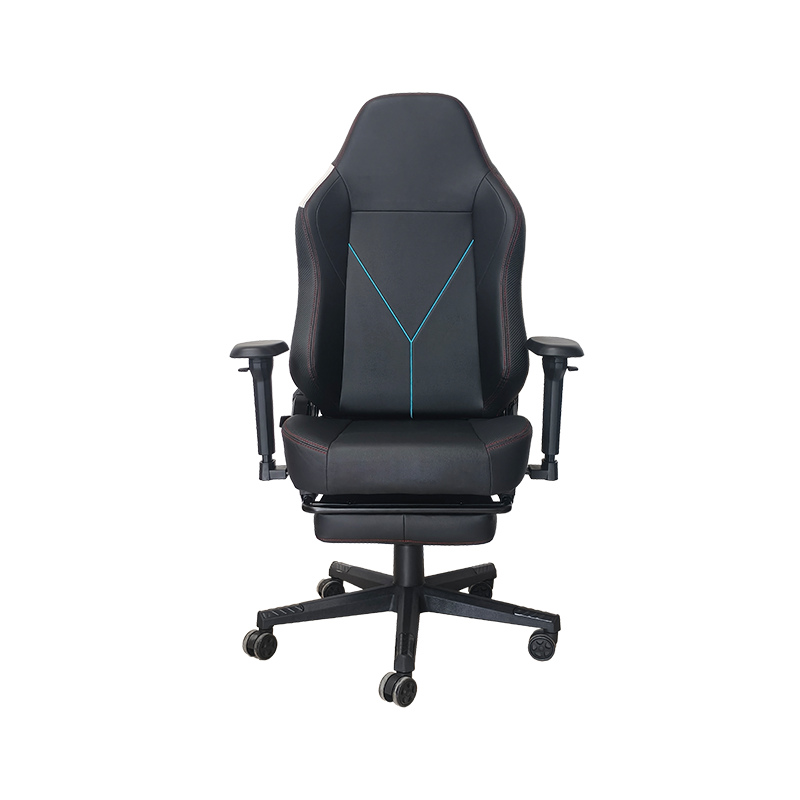
Footrests for added comfort.
Massage lumbar cushions for relaxation.
Built-in speakers and Bluetooth for immersive sound.
Cooling gel cushions for hot climates.
While these extras can be fun, they’re secondary to proper ergonomic support.
8. Maintenance and Care
To keep your gaming chair in top condition:
Clean regularly with a damp cloth or upholstery cleaner.
Avoid prolonged exposure to direct sunlight, which can fade PU leather.
Tighten screws and bolts every few months to prevent wobbling.
Replace worn-out cushions if possible.
A good computer gaming chair for PC gaming is an investment in both comfort and health. Prioritize ergonomic design, durable materials, and adjustability over flashy features. Whether you go for a premium brand like Secretlab or a more affordable option like DXRacer, the right chair can keep you comfortable and focused during every gaming session.
Chairs
Gaming Chair Office Chair High-end Luxury Gaming Chair Regular Gaming Chair Mesh Office Chair PU Leather Office Chair Fabric Office ChairContact Us