English
 عربى
عربى
 Español
News
Home / News / Industry News / Grand Chair & Home Office Desk Dimensions: The Complete Matching Guide

The home office has become a permanent fixture of modern professional life — and the expectations placed on it have changed dramatically. A fold-out table and a dining chair no longer represent an acceptable long-term setup for anyone working eight or more hours a day. The combination of a grand chair and correctly dimensioned desk is now the baseline for a home office that supports both productivity and physical health. This guide explains what a grand chair actually is, how to read home office desk dimensions, and — critically — how to match the two so your setup works as a system rather than a collection of mismatched furniture.
Content
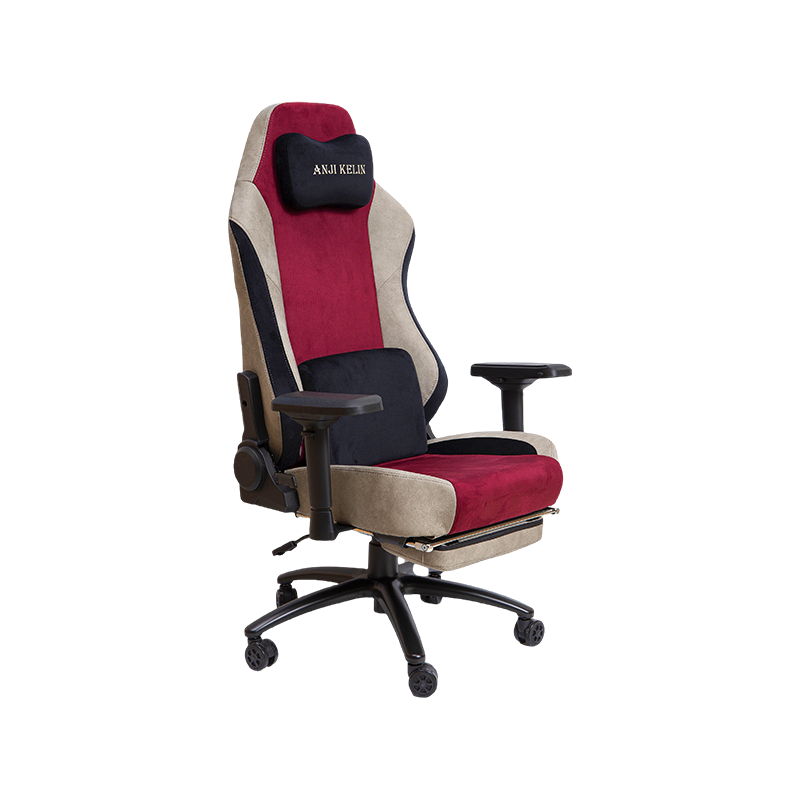
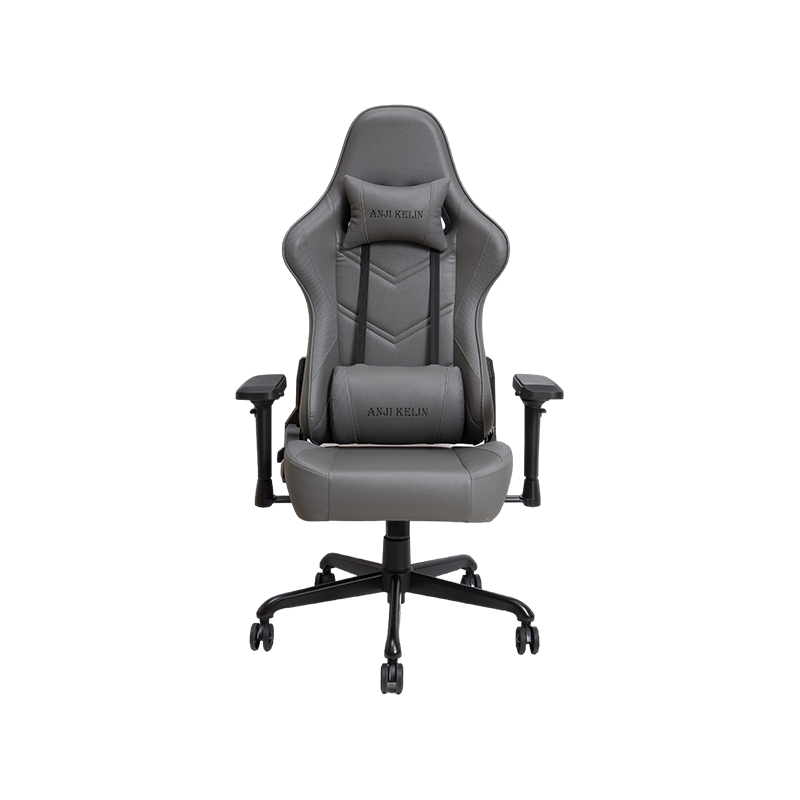
A grand chair is a category of executive office seating defined by its full-back height, generous proportions, premium upholstery, and emphasis on whole-body support for extended sitting sessions. The term is used to distinguish high-specification executive chairs — designed to be sat in comfortably for six to ten hours — from standard task chairs or mid-back office chairs intended for shorter, more intermittent use.
Where a standard task chair typically reaches to the mid-back and provides basic height adjustment, a grand chair features a high backrest that extends to the head or neck, adjustable lumbar support, padded or contoured armrests, a tilt-lock mechanism, and seat depth adjustment. Many models also include a headrest and a reclining function with tension control, allowing the user to shift between focused upright work and a more relaxed supported posture during calls or reading tasks.
The practical case for a grand chair in a home office is straightforward. Research consistently links prolonged sitting in unsupported chairs to increased lower back pain, reduced circulation in the legs, and shoulder tension — all of which directly undermine concentration and output. A well-specified grand chair addresses these risks through structural design rather than willpower, making it a functional investment rather than a luxury indulgence.
High-back design with headrest. The defining visual characteristic of a grand chair is its backrest height. A true high-back executive chair supports the entire spine from the lumbar region to the cervical vertebrae. Look for a backrest height of at least 28–32 inches from the seat pan, with either an integrated or adjustable headrest positioned to support the base of the skull without pushing the head forward.
Adjustable lumbar support. Fixed lumbar pads are a compromise; adjustable lumbar support — either height-adjustable, depth-adjustable, or both — allows the chair to conform to the specific curvature of each user's spine. This single feature has the greatest impact on sustained comfort during long working sessions.
Seat depth and width. Grand chairs in the executive category typically offer seat widths of 20–22 inches for standard models, with big-and-tall variants extending to 24–25 inches. Seat depth should allow 2–4 fingers of clearance between the front edge of the seat and the back of your knee when sitting with your back fully supported. Seats that are too deep compress the back of the thigh and restrict circulation.
Armrest adjustability. Height-adjustable armrests that position the elbow at or slightly below the desk surface are essential for reducing shoulder and neck tension. For users who need maximum flexibility, a wide chair with arms that pivot and slide horizontally allows fine-tuning for different task types throughout the day.
Upholstery material. The two dominant materials in grand executive chairs are genuine or faux leather and mesh. Leather and PU leather office chair surfaces project a professional executive aesthetic and clean easily, but they trap heat during warm weather. Mesh backrests provide continuous airflow and conform dynamically to back movement, making them better suited for users in warm climates or those who run hot. Many premium grand chairs combine a leather seat with a mesh back to balance aesthetics and ventilation.
Base and mechanism quality. A five-star aluminum base is more durable than nylon under sustained heavy use. The gas lift cylinder should support smooth height adjustment across a range of at least 4 inches to accommodate pairing with different desk heights. Heavy-duty dual-wheel casters protect both carpet and hard floor surfaces without leaving marks.
Desk dimensions are defined by three measurements: height (floor to work surface), width (left to right), and depth (front to back). Each of these interacts with your body, your equipment, and your chair in ways that directly affect comfort and posture over the course of a working day.
| Standard home office desk dimensions by desk type | |||
| Desk Type | Width | Depth | Height |
| Compact / Writing Desk | 36–48 in (91–122 cm) | 20–24 in (51–61 cm) | 28–30 in (71–76 cm) |
| Standard Home Office Desk | 48–60 in (122–152 cm) | 24–30 in (61–76 cm) | 28–30 in (71–76 cm) |
| Large / Executive Desk | 60–72 in (152–183 cm) | 30–36 in (76–91 cm) | 28–30 in (71–76 cm) |
| Standing / Sit-Stand Desk | 48–72 in (122–183 cm) | 24–30 in (61–76 cm) | 22–48 in (56–122 cm) adjustable |
Height is the most ergonomically critical dimension. The fixed-height standard of 28–30 inches suits adults of average height when seated in a properly adjusted chair, but it does not fit everyone. Users who are significantly taller or shorter than average benefit substantially from a height-adjustable (sit-stand) desk, which the BIFMA G1-2013 ergonomics guideline recommends for accommodating the 5th to 95th percentile of adult users — roughly those from 5'0" to 6'2".
Width determines how much work surface you have available. A desk under 48 inches is functionally limiting for most professionals — once a monitor, keyboard, and mouse are placed, little usable surface remains. A width of 55–60 inches is the practical sweet spot for a single-monitor home office setup. Dual-monitor configurations require a minimum of 60–72 inches to position both screens at a comfortable viewing angle without crowding the keyboard area.
Depth controls the monitor-to-eye distance and how much room remains in front of the keyboard for wrist support. The widely accepted ergonomic recommendation is a monitor viewing distance of 20–30 inches, depending on screen size. A 24-inch desk depth is the functional minimum for laptop-only setups; a depth of 28–30 inches is recommended for any setup involving a standalone monitor larger than 24 inches.
A grand chair and a desk only work well together when their dimensions are compatible. The primary reference point is the 90-degree elbow rule: when you are seated with your feet flat on the floor and your back fully supported by the chair backrest, your elbows should be able to rest on the desk surface (or armrests positioned level with it) at approximately a 90-degree angle, with your forearms parallel to the floor. This neutral arm position minimises shoulder elevation, wrist deviation, and the neck tension that accumulates over long work sessions.
In practice, this means the desk surface height should match your seated elbow height. For most adults in a standard grand chair adjusted to mid-range height, this falls between 27 and 29 inches from the floor — comfortably within the standard 28–30 inch desk height range. Taller users adjusted to the top of a chair's height range may find a 30-inch desk too low; this is where a sit-stand desk's adjustability solves the problem entirely.
The chair's overall physical size also affects the desk space you need. A grand executive chair is wider and deeper than a task chair — typically 26–28 inches wide at the armrests and 25–28 inches in seat projection. This larger footprint means you need adequate knee clearance under the desk (at least 24 inches of unobstructed width and 12–15 inches of depth from the front edge) and enough room behind the desk for the chair to recline without hitting a wall or shelf unit.
Applying these principles to real home office situations, three scenarios cover the majority of setups professionals encounter.
Compact home office (spare bedroom, apartment alcove, or shared room). Space constraints limit desk width to 48–55 inches and depth to 24 inches. Pair a mid-to-large grand chair with a single monitor at centre, keyboard and mouse directly in front, and a monitor arm to free up desk depth. Choose a desk that floats from the wall rather than butting directly against it — 4–6 inches of clearance behind the desk allows the chair to recline without contact. This setup works reliably in rooms as small as 8 x 8 feet when the desk is positioned against the longest wall.
Standard dedicated home office (9 x 10 feet or larger). A 60-inch wide by 28–30 inch deep desk paired with a full grand executive chair is the benchmark configuration for this room size. This provides enough width for dual monitors or one large ultrawide display, a keyboard, a full-size mouse mat, and peripheral items such as a desk lamp, notebook, and charging station — without the desk feeling crowded. Leave 36 inches of clearance behind the chair at minimum for comfortable movement.
Premium home office or executive suite setup. A 66–72 inch executive desk with a depth of 32–36 inches, paired with the largest grand chair configuration, delivers a full executive workspace experience. The additional desk depth allows a monitor to sit further back (improving viewing angle for large screens), leaves generous forearm space, and creates the visual weight expected in a senior professional environment. Rooms of 11 x 12 feet or larger handle this configuration without feeling cramped when 48–60 inches of space is maintained on the user-facing side of the desk for visitor seating and movement.

Correct desk and chair selection solves only part of the home office equation. How the furniture is positioned in the room determines whether the space is functional or frustrating to use every day.
The minimum clearance behind a seated grand chair — from the back of the chair when reclined to the nearest wall, shelf, or door — is 30 inches. This allows the chair to recline and the user to stand without awkward maneuvering. Where traffic passes behind the desk, increase this to 36–42 inches. If a second person needs to pass simultaneously, 48 inches is the comfortable standard.
Side clearances matter for rooms where the desk sits parallel to a wall. A minimum of 24 inches between the desk side and the nearest obstruction allows a person to walk through; 36 inches allows comfortable passage while carrying items. Avoid positioning the desk so that a sidewall is within arm's reach — the temptation to lean on it creates chronic lateral posture imbalance over time.
Natural light positioning has a direct impact on eye fatigue and productivity. Position the desk so that windows are to the side of the monitor — neither behind it (causing glare on the screen) nor directly in front of it (creating harsh backlighting on video calls). A 90-degree offset from the primary window source is the practical standard for monitor placement in most rooms.
A thoughtfully selected grand chair and correctly dimensioned desk are not separate purchase decisions — they are a matched system. The chair sets the ergonomic baseline through its adjustable height, lumbar support, and arm positioning. The desk must meet that baseline with the right surface height, sufficient width for the work being done, and enough depth to allow equipment to be positioned at safe, comfortable distances.
When both elements are correctly matched to the user's body and to the available room, the result is a home office that reduces physical fatigue, supports sustained concentration, and projects the professional presence that remote work increasingly demands. The investment pays dividends in output quality, physical wellbeing, and the simple satisfaction of working in a space that was built around how you actually work.
Anji Kelin's range of executive and mesh office chairs — from high-back grand chair configurations to ergonomic task seating — is designed to pair with every desk dimension scenario described in this guide. Whether you are outfitting a compact spare room or building a full executive home office, the right chair is the starting point for every other decision that follows.
Chairs
Gaming Chair Office Chair High-end Luxury Gaming Chair Regular Gaming Chair Mesh Office Chair PU Leather Office Chair Fabric Office ChairContact Us