English
 عربى
عربى
 Español
News

Content
Yes, you can sleep in an office chair — but most standard office chairs are poorly designed for sleep, and doing so regularly can lead to neck stiffness, lower back pain, and poor circulation. However, office chairs with wheels (rolling chairs) that recline fully or semi-fully can offer a surprisingly adequate short nap surface if used correctly. The key is knowing which chair features matter, how to position your body, and when sleeping upright is doing more harm than good.
Office napping is far more common than most workplaces acknowledge. A 2023 survey by the Sleep Foundation found that nearly 34% of American workers admitted to falling asleep at their desk at least once in the past month. Wheeled office chairs — the standard rolling desk chair — are the most common seat people end up sleeping in simply because that's what's in front of them.
The rolling base of a wheel chair actually has a subtle advantage: it allows slight positional shifts while you're drowsy without toppling, which can reduce the risk of startling awake due to sudden movement. That said, the wheels also mean the chair can slide away from the desk if you lean back, so always lock the casters or push the chair against a wall before sleeping.
Common scenarios where people sleep in office chairs include:
Not all rolling office chairs are equal when it comes to napping comfort. These are the features that genuinely matter:
A recline of 110°–135° is the sweet spot for sleeping. Chairs that only recline to 100° keep you too upright, putting sustained tension on your neck and lumbar muscles. Fully flat recline (180°) is rare in office chairs but ideal. Popular ergonomic models like the Herman Miller Embody recline to about 120°, while gaming chairs from brands like Secretlab can reach 165°.
This is arguably the most critical feature. Without an adjustable headrest, your head will drop to one side within minutes, straining the sternocleidomastoid muscle. Adjustable headrests that tilt forward — not just up and down — are best for sleeping. Many standard task chairs completely lack this feature.
Fixed or narrow armrests dig into your elbows and forearms when you try to relax completely. Look for 4D armrests that can be lowered or folded down, freeing your arms to rest naturally at your sides or on your lap.
While lumbar support is critical for sitting, a pronounced lumbar curve can actually push you uncomfortably forward when reclining. Chairs with adjustable lumbar depth let you reduce the protrusion when switching to sleep mode.
| Chair Type | Max Recline | Headrest | Sleep Rating |
| Standard Task Chair | ~100° | Rarely included | Poor |
| Ergonomic Office Chair | ~120° | Often adjustable | Moderate |
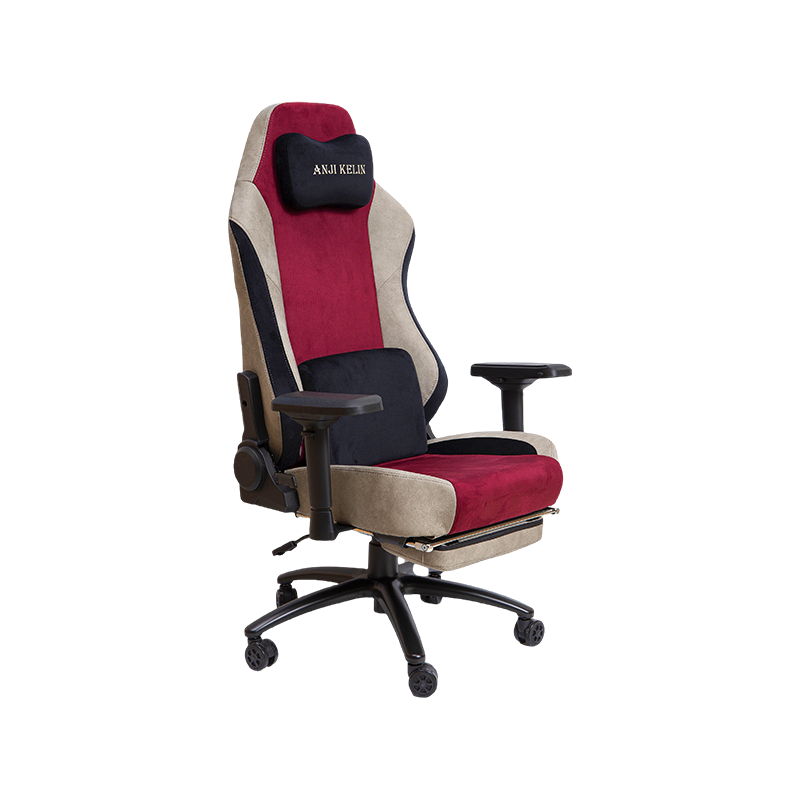
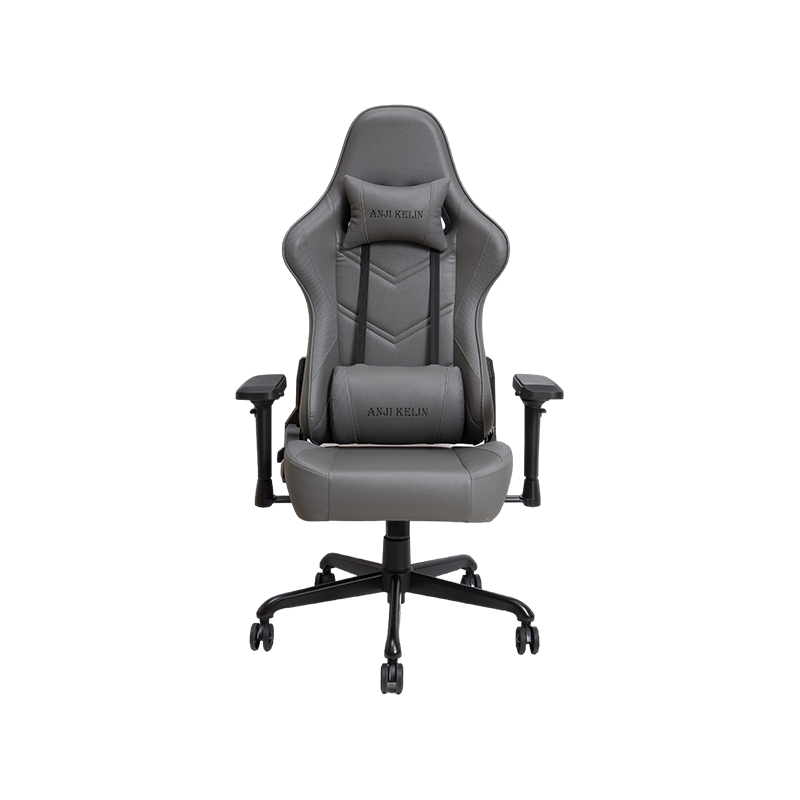
| Gaming Chair (wheeled) | ~155–165° | Included, adjustable | Good |
| Reclining Office Chair | ~160–180° | Usually included | Excellent |
If you need to sleep in your office chair — wheels or no wheels — body positioning makes a significant difference in how you feel when you wake up. Follow these steps:
Occasional napping in an office chair is generally harmless. But using a wheeled desk chair as a regular sleep surface carries real health risks:
Without proper head support, the head (which weighs roughly 10–12 lbs) falls forward or sideways, stretching posterior neck muscles for hours. This can trigger tension headaches and, over time, contribute to cervical disc problems.
Sleeping seated in a chair with your knees bent and feet hanging compresses the popliteal veins behind the knees. Extended periods (over 4 hours) in this position increase DVT risk, particularly in individuals over 40 or those with cardiovascular risk factors.
Studies from the Journal of Clinical Sleep Medicine show that upright sleeping reduces REM sleep by up to 50% compared to lying flat. Since REM sleep is critical for memory consolidation and emotional regulation, chronically sleeping in a chair can impair cognitive performance even if total sleep hours seem adequate.
The curved seat pan of most office chairs creates pressure points under the thighs and behind the knees. Over several hours, this restricts blood flow and causes the pins-and-needles sensation that many people who've fallen asleep at a desk are familiar with.

If you know you'll be napping in your office chair regularly, prioritize these features when buying:
Among widely reviewed options, gaming chairs with a flat-recline function and integrated footrest (such as those from Homall or RESPAWN) are often the most practical combination of affordability and sleep-readiness, even in a traditional office context.
You don't always need a new chair. These low-cost adjustments can improve sleep quality in your existing rolling chair:
Some signs that your chair-sleeping habit is causing harm rather than helping:
If you're in an office without a proper rest area and need a daily nap, advocate for a dedicated nap room or cot. Research from Harvard Business School indicates that companies that provide structured nap opportunities see a 34% improvement in alertness and a 100% improvement in performance on tasks requiring focus. The ROI is documented — the infrastructure just needs to catch up.
Chairs
Gaming Chair Office Chair High-end Luxury Gaming Chair Regular Gaming Chair Mesh Office Chair PU Leather Office Chair Fabric Office ChairContact Us